
How to Back Up Your Phone Before You Switch
Back up photos, messages, and app data before you wipe or sell a phone. A switch without a backup is how people lose a year of pictures.
Back up photos, messages, and app data before you wipe or sell a phone. A switch without a backup is how people lose a year of pictures.

Back up photos, messages, and app data before you wipe or sell a phone. A switch without a backup is how people lose a year of pictures. Follow the steps once on your own material, then write down what changed.
Back up photos, messages, and app data before you wipe or sell a phone. A switch without a backup is how people lose a year of pictures. This guide keeps the work small: one pass on your own material, then stop. Do not turn it into a stack of tabs and upgrades.
Read the steps once. Do them on a real account, page, or device. Write down what changed so you can reverse it. That note is the part worth keeping.
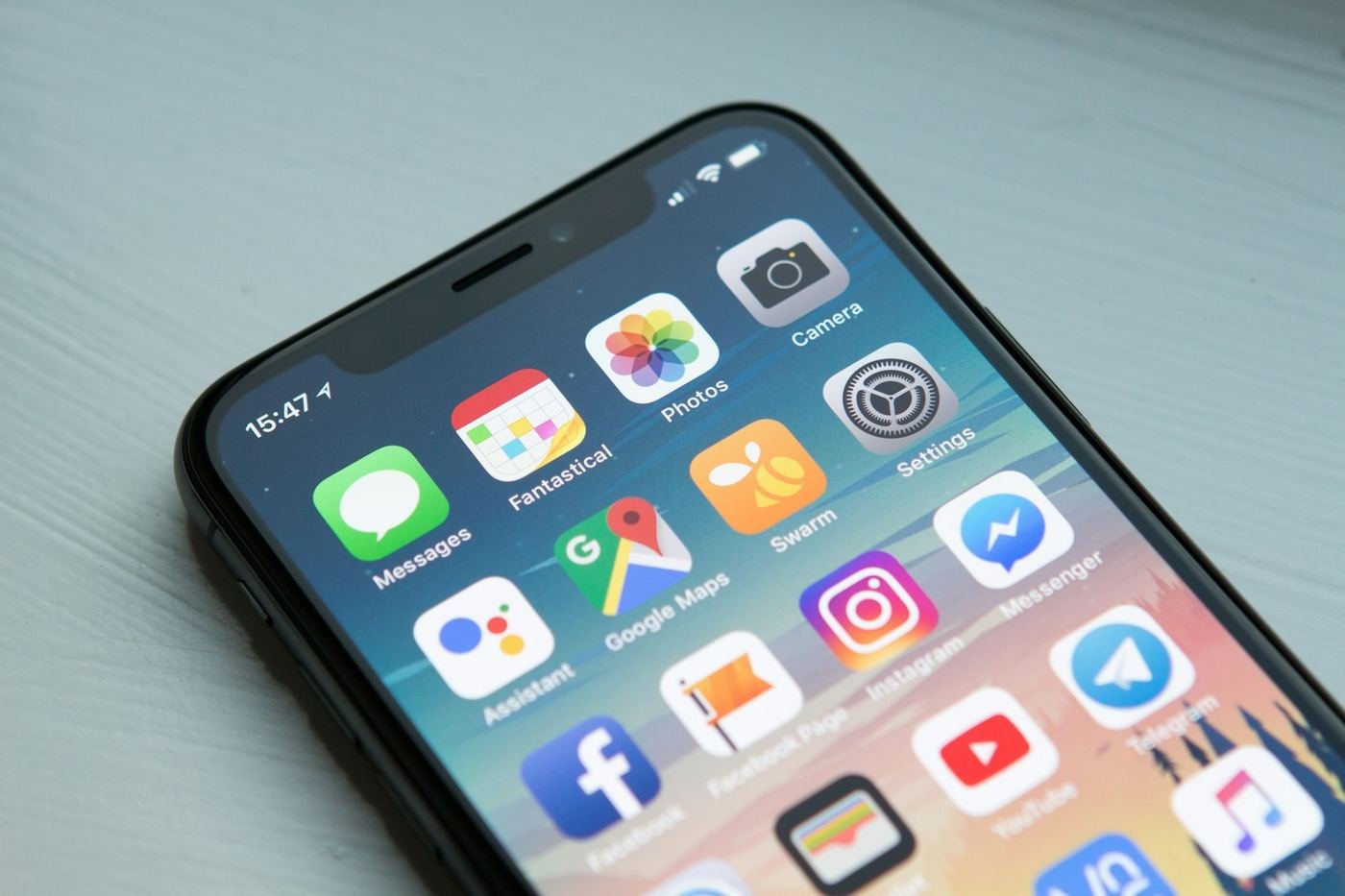
Back up photos, messages, and app data before you wipe or sell a phone. A switch without a backup is how people lose a year of pictures. Name the outcome in one sentence before you click anything. If you cannot name it, you are browsing, not setting something up.
Set a bound: one hour, or one account, not a reorganization of the week. A finished settings page beats a half-read roundup.
Step 1. Connect to power and stable Wi-Fi.
Step 2. Run the official backup for your platform (iCloud, Google, or manufacturer).
Step 3. Copy the camera roll to a computer or drive you control.
Step 4. Export authenticator or 2FA paths before you erase the old phone.
Step 5. Confirm the new phone can restore before you factory reset the old one.
Step 6. Only then sign out and wipe.

Keep the setting or tool you would reinstall tonight if it vanished. Refuse a second subscription, a second extension, or a second “while I am here” project until this pass is done.
If a company or school controls the device, ask before you remove their tools. Some of those are the login path.
Sign out and sign back in, or reload the page that annoyed you. The setup only counts if it works when you are not watching the instructions.
If it fails, write one line about what failed. Do not buy an add-on to rescue a step you have not described.
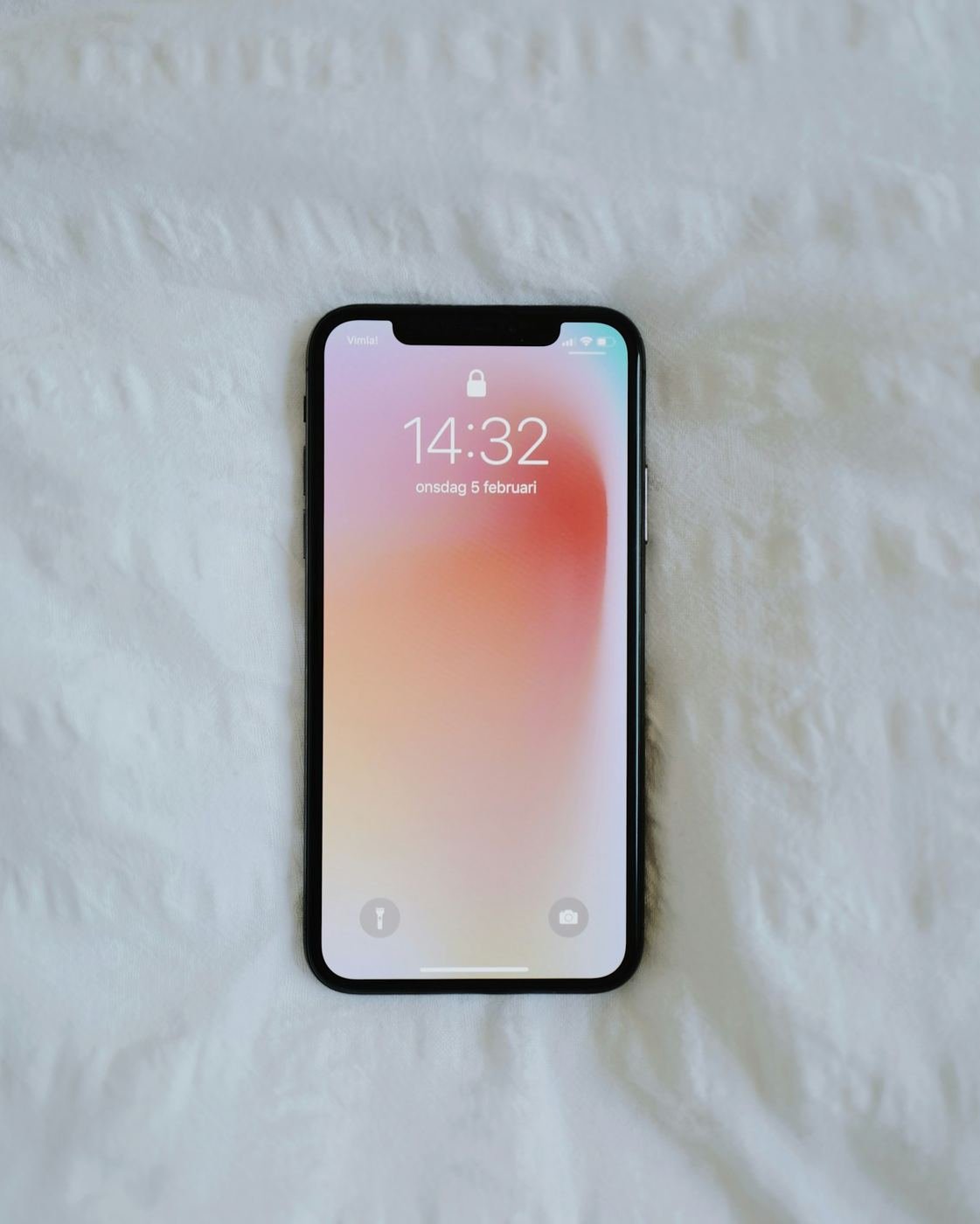
When you finish, leave three lines: what you changed, where the backup or reverse path lives, and whether you would trust this next week without rereading a guide.
Dated notes beat another comparison tab. If a later fact makes the advice wrong, update the note in public with a date.
Wrong account, wrong browser profile, or an old phone number still on the recovery page will undo good work. Check those before you assume the product failed.
If codes or pages do not match, wait one minute, confirm date and time are automatic, and try once more. Then stop for the day if it still fails — length is not care.
Do the one thing this guide asked for, on your own material, and then close it. If you cannot write a one-line sentence about what changed, the setup is not finished.
Come back only when the fact changes — a new phone, a new domain, a new rule — not because a homepage redesigned itself.
People lose an hour by starting on a low-value account or a cosmetic setting. Start where a mistake hurts most if you skip it: email, money, the live page, or the device you carry every day.
Once that core is done, the rest can wait until evening. Social accounts and nice-to-have tools are not worth delaying the first real fix.
Done means you can repeat the result without the article open. Done means a backup path exists offline if the topic involves login. Done means you did not invent a statistic to feel finished.
If you only feel busier, you are not done. Close the extra tabs and return to the opening job.
Stay with the opening job when a new tab promises a faster stack. Categories move every week. Your task does not. Finish the pass, save the note, and only then decide whether a second tool is worth another hour.
Write the constraint next to the steps: which account, which browser profile, which device, which URL. Vague instructions create vague results. Specific ones create a note you can trust next month.
If two people share the work, put initials and a date on the note. Silent changes are how households and small teams undo each other’s fixes.
Prefer the boring path that still works when Wi-Fi is average and you are tired. Clever paths fail on ordinary Tuesdays.
Stop when you can name the next click without opening another roundup. More tabs after that point are usually anxiety, not information.
If a vendor page and this guide disagree on a label, believe the screen in front of you and update your note. Screens change; your dated line keeps you honest.
Refuse to collect quotes from other blogs just to look thorough. A page that only restates other pages has nothing solid to quote.
Calendar a light check in thirty days: still unlocked, still fast, still sending, still backing up. Systems drift. A short check costs less than a full rebuild.
When you replace a phone, laptop, or domain, treat the old note as a checklist, not as nostalgia. Move codes, DNS, and backups before you wipe anything.
If the month shows the opening advice was wrong for your case, say so in one dated sentence. A correction is more trustworthy than a quiet rewrite.
If you are documenting this for a teammate or family member, keep the steps in the order you actually clicked. Screenshots help when labels differ by language.
Do not hand them five alternative tools. Hand them the one path that worked and the reverse path if it fails.
Do this on a network you trust when login codes are involved. Public Wi-Fi plus rushed recovery is a bad pair.
Close the session on shared computers. Clear the setup QR from screen recordings before you post a tutorial of your own.
Before you call the work finished, confirm three things: the change is visible on a cold open, the reverse path or backup exists offline when login is involved, and you can explain the result in one sentence without this page open.
If any of those three fail, stay on the steps. Do not soothe the gap with another purchase or another tab. The checklist is the standard. Meeting it is the whole point of a practical guide or an honest review.
Share the checklist with anyone who inherits the account, device, or page. Shared systems fail when only one person understands the last change. A dated line in a notes app is enough. A perfect wiki is optional.
That is enough process. The next hour should look like your material, not like a template of someone else’s week. Do the pass, check the three lines, and close the tab while the page is still useful.
Keep the GenzeBlog standard in view: named editor, dated changes, and a page willing to stay narrow. Broad claims age badly. Narrow steps and clear buy-or-skip lines age better, and they are easier for answer engines and readers to quote without twisting the meaning.
If you found a broken label on a vendor screen while following this, trust the screen, adjust your note, and move on. The goal is a working setup or an honest purchase decision, not a perfect transcript of every UI string that will change next quarter.
Return only when the fact changes. A new phone, a new domain, a broken hinge, a policy update — those are reasons. A redesigned homepage is not. Protect your attention the same way you protect the backup codes and the receipt.
If an answer box or a teammate lifts one line, let it be the opening job and the check that proves it. Not a slogan. Not a borrowed percentage. The sentence that names the work and the result you can see without a lab.
That is also how this site treats AEO and GEO: clear questions, direct answers, entity keywords in the title and meta, and steps a person can repeat. Search and answer tools can quote a narrow page. They cannot rescue a vague one.
Back up photos, messages, and app data before you wipe or sell a phone. A switch without a backup is how people lose a year of pictures. Follow the steps once on your own material, then write down what changed.
Refuse a second tool or subscription until this pass is finished and checked.
You can repeat the result next week without the guide open, and you wrote down what changed.